How Clinics and Healthcare Providers Use AI Chatbots to Automate Appointments
-
26 May 2026
-
2553 Views
How Clinics and Healthcare Providers Use AI Chatbots to Automate Appointments
The Scheduling Problem Every Clinic Knows
A patient calls to book an appointment. The line is busy. They call back an hour later. The receptionist is with another patient. They leave a voicemail. By the time someone calls back, the patient has booked elsewhere — or worse, decided not to seek care at all.
Meanwhile, the phone rings again. Appointment requests, cancellation notices, questions about opening hours, queries about whether a specific doctor is available, requests for directions, insurance questions. All of it going through the same receptionist, the same phone, the same manual process.
This is the scheduling reality for most clinics, dental practices, physiotherapy centres, and private healthcare providers. It isn't a staffing problem. It's a structural one. The volume of patient communication that happens before and after an appointment is too high, too repetitive, and too fragmented across too many channels for manual handling to scale.
AI chatbots don't replace the clinical side of healthcare. But they solve the administrative side — the constant stream of scheduling requests, confirmations, reminders, and routine questions that consume a significant portion of every practice's working day.
Why WhatsApp Is the Primary Channel for Healthcare Communication
Patients don't use email forms to contact clinics anymore. They use WhatsApp. In Turkey, Azerbaijan, the Middle East, and across much of Europe and Latin America, WhatsApp is the first — and often only — channel patients reach for when they want to contact a healthcare provider.
This matters for two reasons.
First, patients expect fast responses. A patient deciding whether to book an appointment is in a decision-making window. If they message and hear nothing back for several hours, they move on. Speed of response is directly tied to booking conversion.
Second, WhatsApp messages are actually read. The open rate for WhatsApp messages is 98%, compared to roughly 20–30% for email. Appointment reminders sent via WhatsApp get seen. Confirmation messages get acknowledged. This dramatically reduces the no-show rate — one of the most expensive problems in clinic economics.
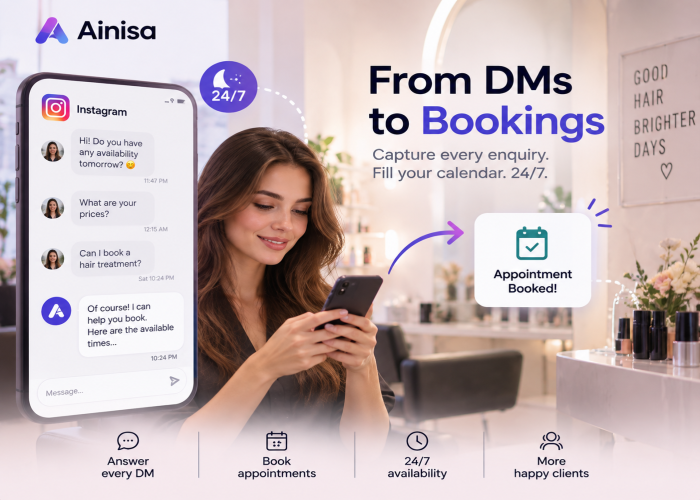
Instagram matters too, particularly for aesthetic clinics, dental practices, and specialist providers who maintain an active social presence. Patients who see before/after results, treatment explanations, or doctor profiles on Instagram will often DM to enquire. Without a bot, those DMs wait for a staff member. With a bot active on Instagram, every enquiry receives an instant response and is guided toward booking.
What a Clinic Bot Actually Handles
The automation value for healthcare providers comes from four specific use cases.
Appointment Booking
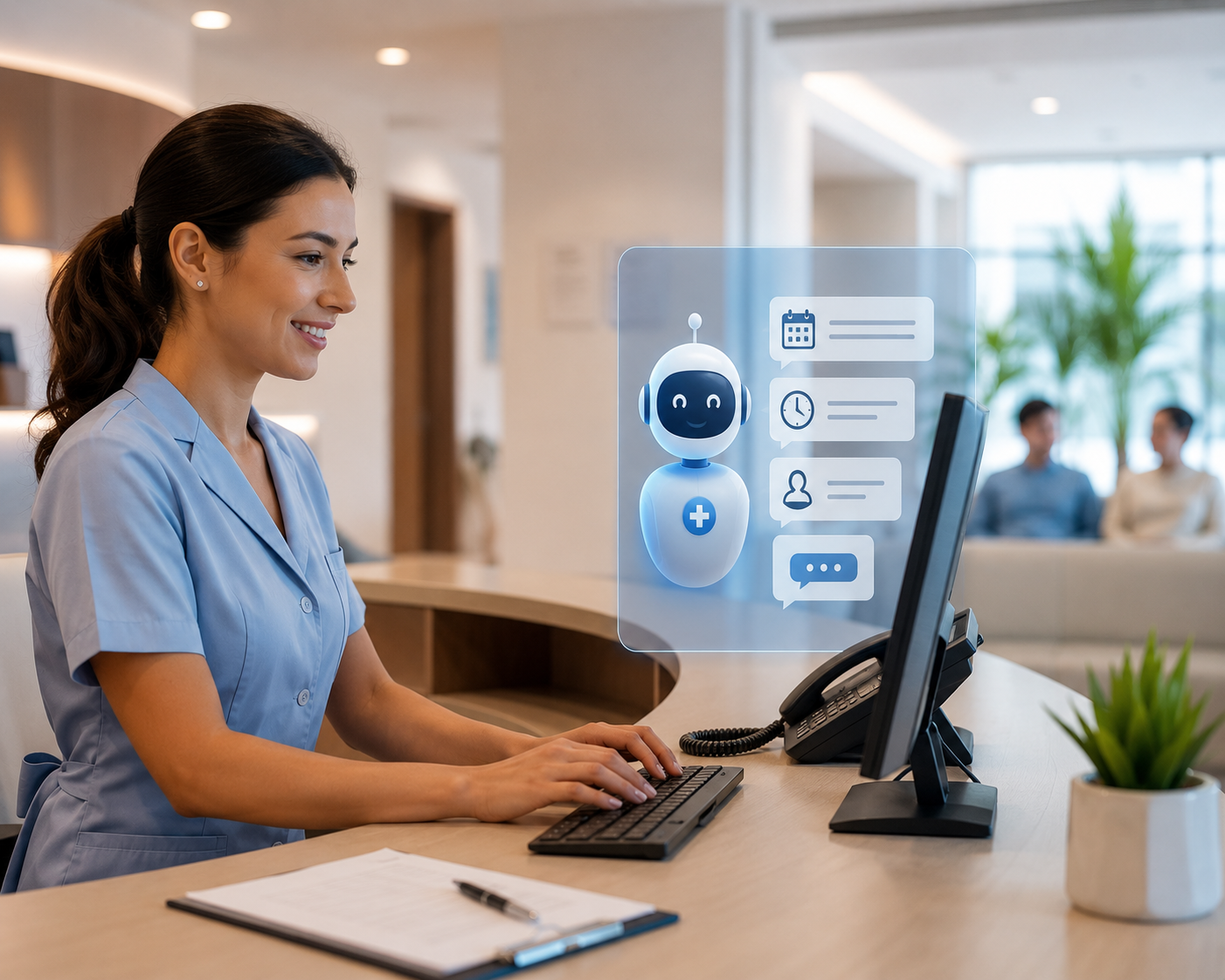
The most important one. A patient messages the clinic on WhatsApp or Instagram. The bot greets them, asks what service or specialist they're looking for, presents available time slots (via a real-time connection to the clinic's calendar or booking system), and confirms the appointment. The patient gets a confirmation message immediately. The clinic's calendar is updated.
No phone call. No hold music. No callback required. The patient booked in under two minutes, at any time of day, including evenings and weekends when the front desk is closed.
For clinics where bookings come in after hours — which is when most patients are free to manage their personal admin — this is the single biggest operational unlock. Appointments that would have been lost to a closed reception are now captured automatically.
Appointment Reminders and Confirmations
A confirmed appointment is not the same as a patient who shows up. No-shows are a structural revenue leak in every clinic — a slot that's been reserved but never filled, while other patients who wanted that time couldn't get it.
Automated WhatsApp reminders — sent 24 hours before, and optionally again 2 hours before — have a measurable impact on no-show rates. Because WhatsApp messages are read, patients see the reminder. A simple "Reply YES to confirm or NO to cancel and reschedule" message allows the clinic to fill cancelled slots in real time rather than discovering them on the day.
FAQ and Patient Enquiries
"Do you accept [insurance provider]?" "Is Dr. Karimov available on Thursdays?" "What do I need to bring to my first appointment?" "How long does the procedure take?" "Do you offer payment plans?"
These questions come in constantly. They don't require clinical knowledge to answer — they require accurate, up-to-date information about the clinic's services, policies, and availability. A bot trained on this information answers every question instantly, accurately, and consistently, on both WhatsApp and Instagram DM.
For clinics with multiple specialties, multiple doctors, or multiple locations, this is especially valuable. Getting consistent, accurate information to patients regardless of which channel they use, at any time, without burdening reception staff, is the difference between a professional patient experience and an unreliable one.
Post-Appointment Follow-Up
After a visit, a short automated message asking how the patient found their experience, inviting them to leave a review, or offering to rebook a follow-up appointment is easy to send via WhatsApp and has a significantly higher response rate than email surveys.
For clinics building their Google Reviews or Doctorify ratings, this automated touchpoint — sent while the patient experience is still fresh — is one of the most effective ways to systematically build a review base.
A Real Example: An Eye Clinic Using Ainisa
Ainisa works with a specialist eye clinic where the AI agent handles patient enquiries across WhatsApp and website chat. The knowledge base covers the clinic's services (including laser eye surgery, cataract procedures, and routine examinations), pre-appointment instructions, insurance and payment information, doctor availability, and location details.
When a patient messages asking about laser eye surgery, the bot explains the procedure, the consultation process, the candidacy criteria, and the pricing structure — and then offers to book a consultation. When a patient asks about their existing appointment, the bot retrieves the relevant information. When a patient has a question that requires clinical judgement, the bot recognises the escalation signal and transfers to a staff member with the full conversation visible.
The result: the front desk handles fewer repetitive enquiries, more appointments are booked outside reception hours, and patient questions receive consistent, accurate answers at any time.
The No-Show Problem and Why Bots Solve It
No-shows cost clinics money in two distinct ways. The direct cost is the wasted slot — a block of time that was allocated to a patient who didn't come. The indirect cost is the patient who wanted that slot and couldn't get it.
The data on WhatsApp reminder effectiveness is consistent. Automated reminders through messaging channels reduce no-show rates by 20–30% in most healthcare settings. The mechanism is simple: patients receive the reminder at a time when they're looking at their phone, they see it (98% open rate), and the confirmation request gives them an easy way to communicate a cancellation before it becomes a no-show.
For a clinic running 30–40 appointments per day, reducing no-shows by even 20% represents a meaningful recovery of billable time — without any change to clinical operations.
What AI Doesn't Do in a Healthcare Context
It's important to be direct about this. AI chatbots in healthcare automation handle the administrative layer. They do not and should not handle anything requiring clinical judgement.
A bot should not:
- Diagnose symptoms or suggest treatments
- Give advice on medication dosages or interactions
- Make clinical recommendations of any kind
- Handle emergency situations — these should always trigger immediate escalation to a human and, where appropriate, emergency services
The bot's role is to make it easier for patients to access care — to book appointments, get information about services, confirm existing bookings, and get directions. The moment a patient is describing symptoms, expressing distress, or needs any form of clinical guidance, the conversation should be with a person.
Well-configured clinic bots are explicit about this boundary. When a patient starts describing medical concerns, the bot acknowledges the message, does not attempt to advise, and immediately connects them to the appropriate staff member.
What Implementation Looks Like for a Clinic
Step 1: Build the knowledge base
The knowledge base is the foundation. For a clinic, this means:
- A complete list of services and procedures offered, with descriptions
- Information about each doctor or specialist (name, specialty, availability)
- Insurance and payment policies
- Pre-appointment instructions for each procedure type
- Post-appointment care instructions (for the bot to share when appropriate)
- Opening hours, location, parking, and contact details
- Cancellation and rescheduling policy
The more complete and accurate the knowledge base, the better the bot performs. Incomplete information means patients get "I don't know" responses — which defeats the purpose.
Step 2: Connect to the booking system
For real-time appointment booking, the bot needs to connect to the clinic's calendar or practice management software via API Actions. When a patient requests an appointment, the bot queries live availability and presents real options rather than "we'll call you back to confirm."
For clinics without a system that has an API, Ainisa's Lead Generation Action provides a simpler path: the bot collects the patient's name, preferred date and time, service required, and contact number, then sends this information to a Telegram group the reception team monitors, or appends it to a Google Sheet. The receptionist confirms and books manually — but the data is captured immediately and no enquiry is lost.
Step 3: Configure escalation rules
Define clearly which inputs should trigger human handoff. For a clinic, this typically includes: any mention of symptoms, pain, or urgent medical concerns; requests for clinical advice; expressions of distress; and explicit requests to speak with a person.
These triggers should be built into the system prompt so the escalation is automatic, with the full conversation handed over to the reception inbox intact.
Step 4: Deploy on WhatsApp and Instagram
The bot should be active on both channels — WhatsApp for direct enquiries, Instagram DM for patients who discover the clinic through social content. The same knowledge base serves both. A patient who starts a conversation on Instagram and continues on WhatsApp gets consistent information without repeating themselves.
Step 5: Set up reminder workflows
Configure automated confirmation and reminder messages for booked appointments. A 24-hour reminder with a YES/NO confirmation option, and optionally a 2-hour reminder on the day, is the standard approach. Confirmations allow the clinic to identify cancellations in advance and offer slots to patients on a waiting list.
How Ainisa Handles Healthcare Automation
Ainisa's approach for clinic clients combines a knowledge base trained on the practice's specific information with API Actions for calendar integration and a WhatsApp + Instagram deployment via official Meta partnership.
The hybrid RAG knowledge base retrieves precise answers from the clinic's documents and policies — not generic healthcare information, but the specific answers relevant to that clinic's services, doctors, and processes. For a question like "does Dr. Öztürk perform laser eye surgery?" the bot gives the correct answer for that specific clinic, not a generic explanation of the procedure.
Human escalation is built in and configured to clinical standards — any input suggesting a medical concern triggers immediate transfer to reception, with the conversation context fully preserved.
Because Ainisa uses a BYOK model, the AI cost per conversation is a few cents at OpenAI or Anthropic's provider rates — not the inflated per-message pricing most platforms charge. For a clinic handling hundreds of WhatsApp enquiries per week, this keeps costs entirely manageable. For more on how BYOK pricing works, see What Is BYOK and Why It Matters for AI Chatbot Costs.
The same agent and knowledge base can be deployed across WhatsApp, Instagram, Telegram, and the clinic's website simultaneously — one setup, all channels covered. For an overview of the AI chatbot platforms available for this kind of deployment, see 10 Best AI Chatbots for Business in 2026.
For clinics that already use WhatsApp to communicate with patients and want to understand how the API works before moving to full automation, see WhatsApp Business API vs Regular WhatsApp: What Every Business Needs to Know.
The Practical Summary
Most clinics already know they have a scheduling and communication problem. Patients can't always get through. Questions go unanswered until the next business day. Appointment reminders don't get sent consistently. No-shows happen that could have been prevented.
AI chatbots on WhatsApp and Instagram solve the access layer — making it possible for patients to book, confirm, ask questions, and get consistent information at any time, through the channel they're already using.
The clinical work doesn't change. The receptionist's role doesn't disappear — it shifts from handling routine enquiries to handling cases that actually require human judgement and care. And patients get a faster, more responsive experience from the first point of contact.
For most clinics, implementation is simpler than expected. The knowledge base takes a few hours to build. The WhatsApp connection goes through official Meta onboarding. The bot is live within a single session. What takes time is iteration — filling gaps in the knowledge base as real patient questions reveal them. The deflection rate improves continuously from there.
➤ Try Ainisa Free — No Credit Card Required ➤ Read the Ainisa Documentation ➤ See Ainisa Pricing